To Complete the NARTREK Requirements
Make sure to successfully complete all the NARTREK Credential requirements listed. It is time to request the points for your test approval.
Step 1.
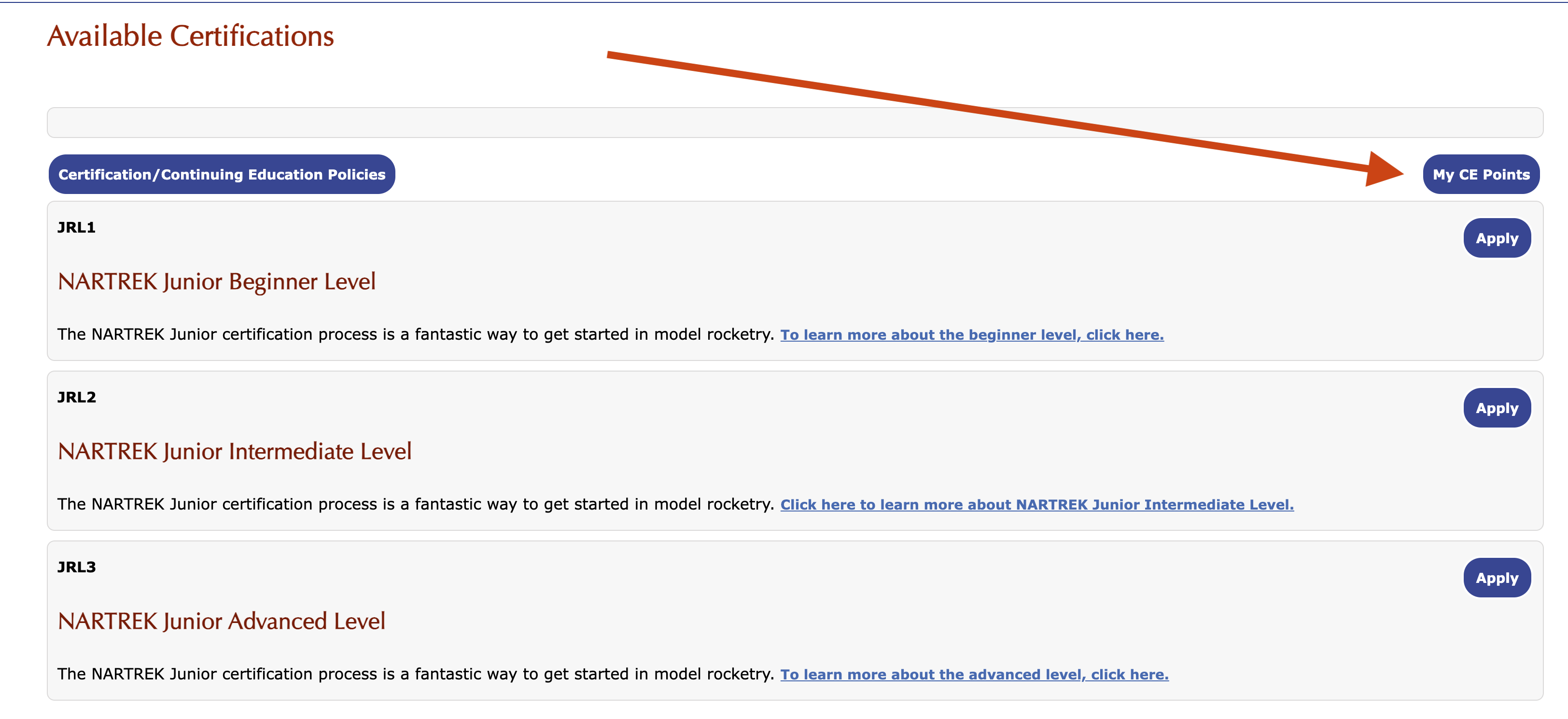
Log into your membership account. Under the Members tab, go to the Continuing Education tab, click the My CE Points button shown below.
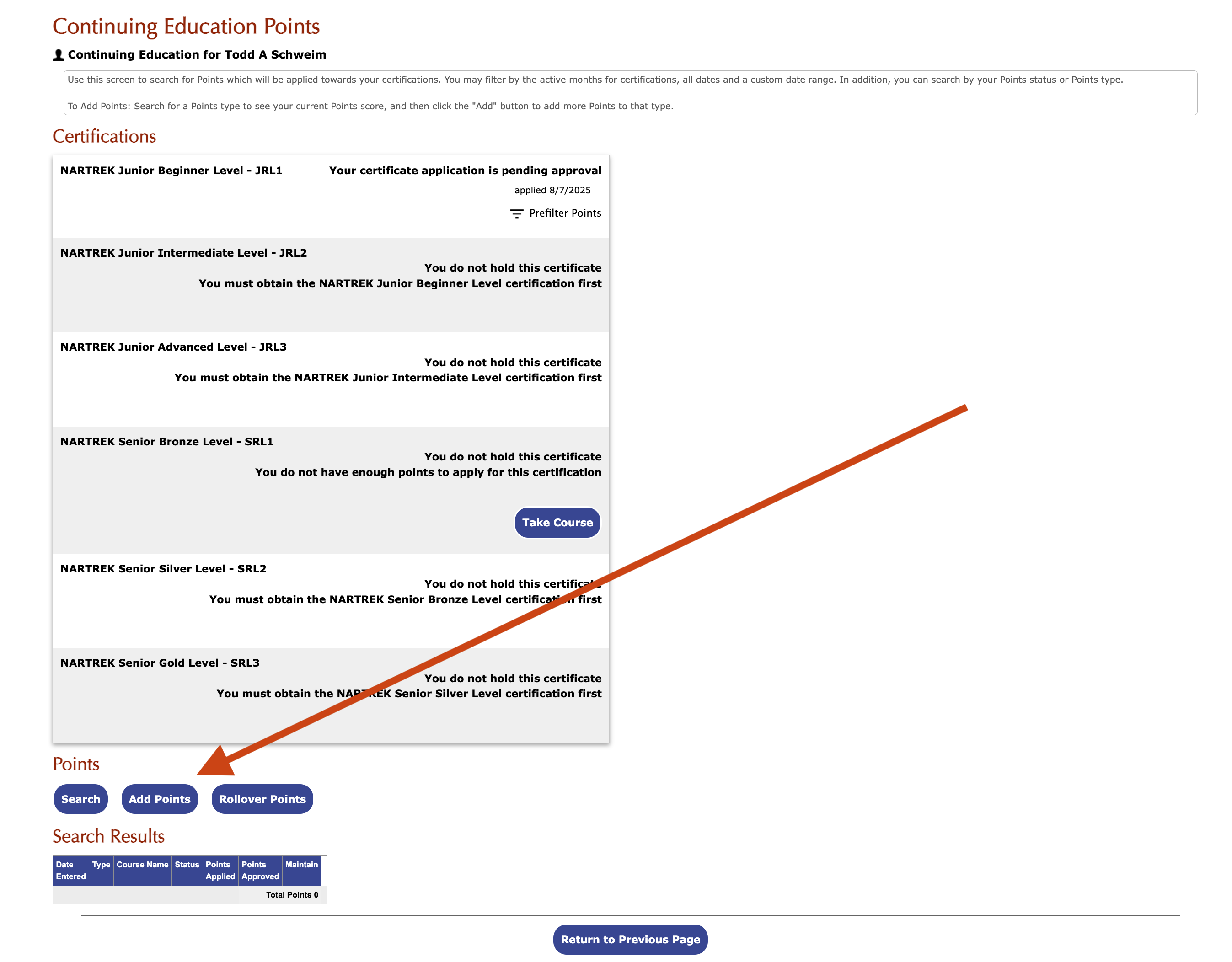
Click the Add Points Button shown below.
Select the correct NARTREK Certification.
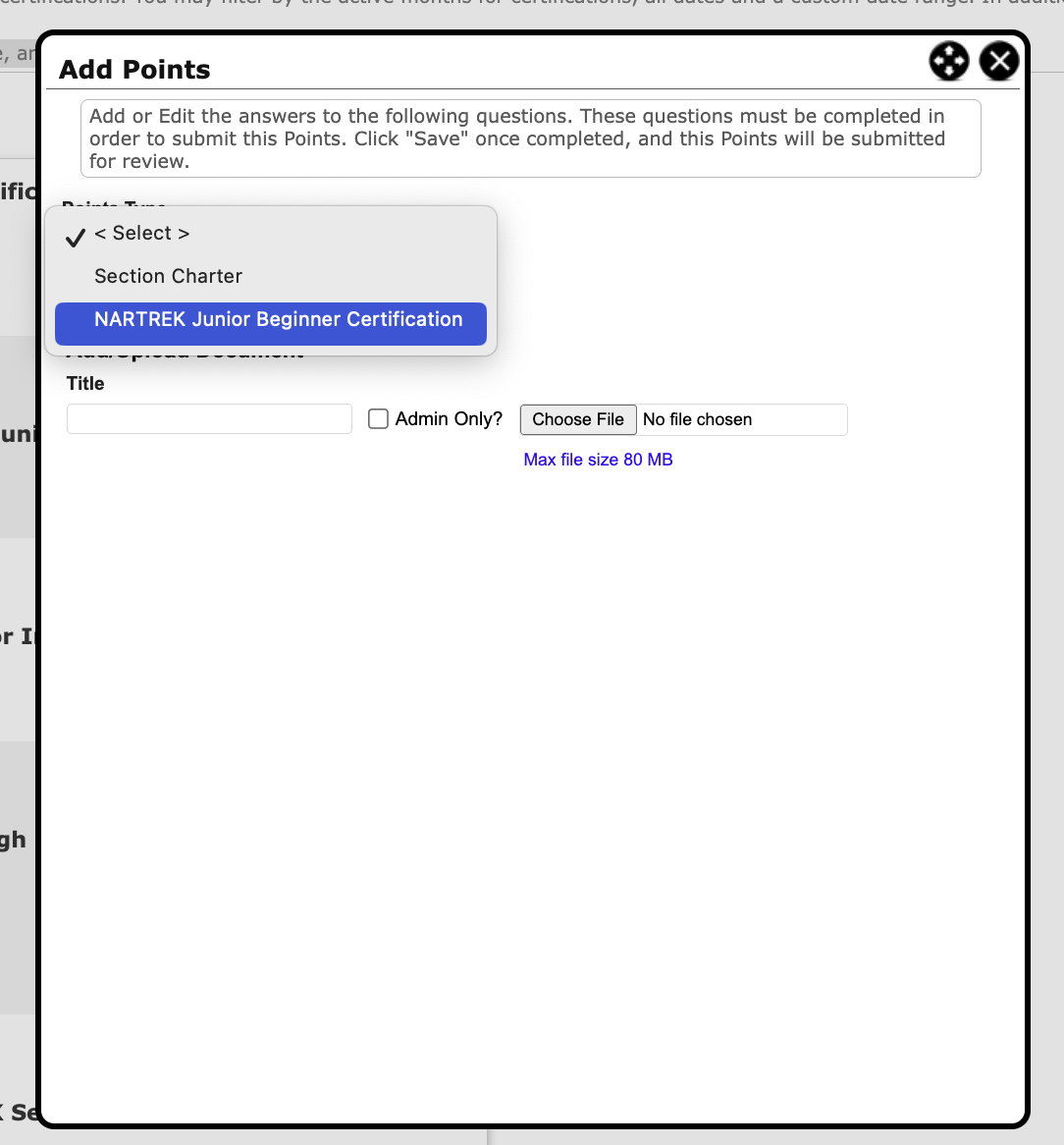
The screen below will be shown.
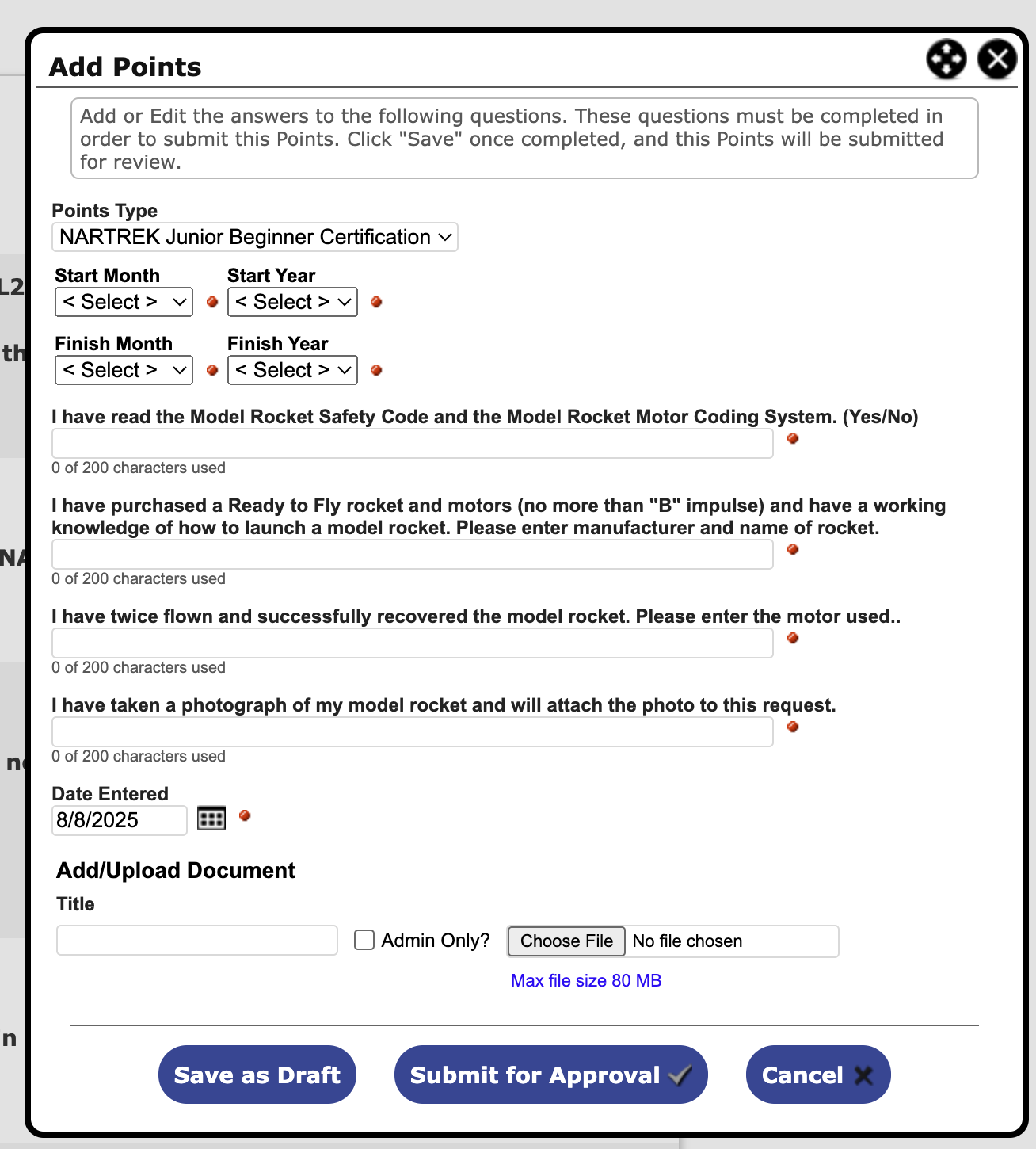
1.) Choose when you started and finished the NARTREK Credential.
2.) Answer all the questions shown, please be specific.
3.) Make sure to attach a photo of your rocket.
4.) If you have completed all portions of the level, click Submit for Approval. If you are in the process of completing the steps, click Save as Draft.
Step 2.
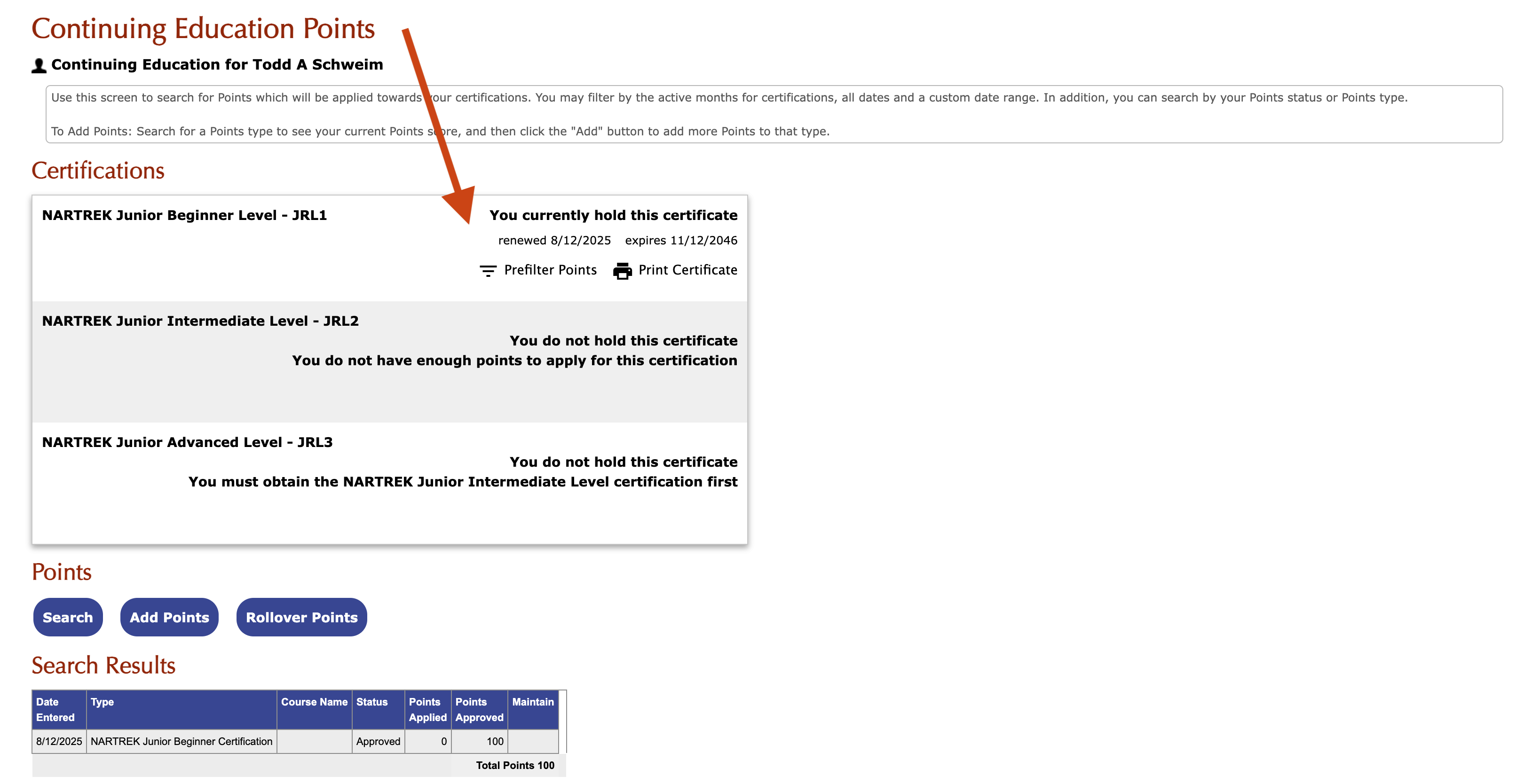
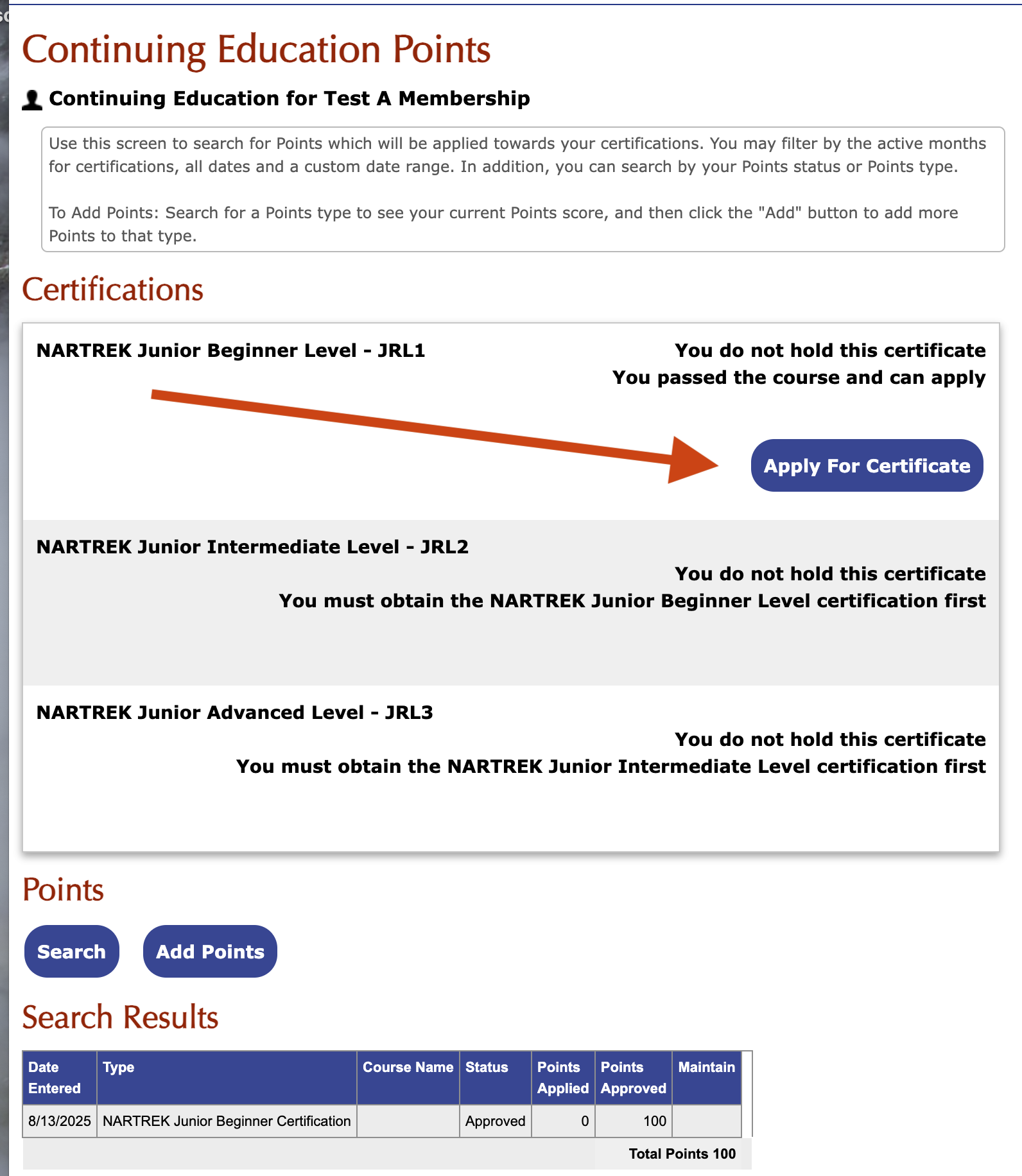
Once you have hit the Submitted for Approval button, your points will be reviewed and approved by NARTREK. Once the test points have been approved, you will see the following screen. Go ahead and click on the Apply for Certificate button.
Step 3.
You will then be asked confirm that you have done the work needed to pass. Check the I agree box, and Next.
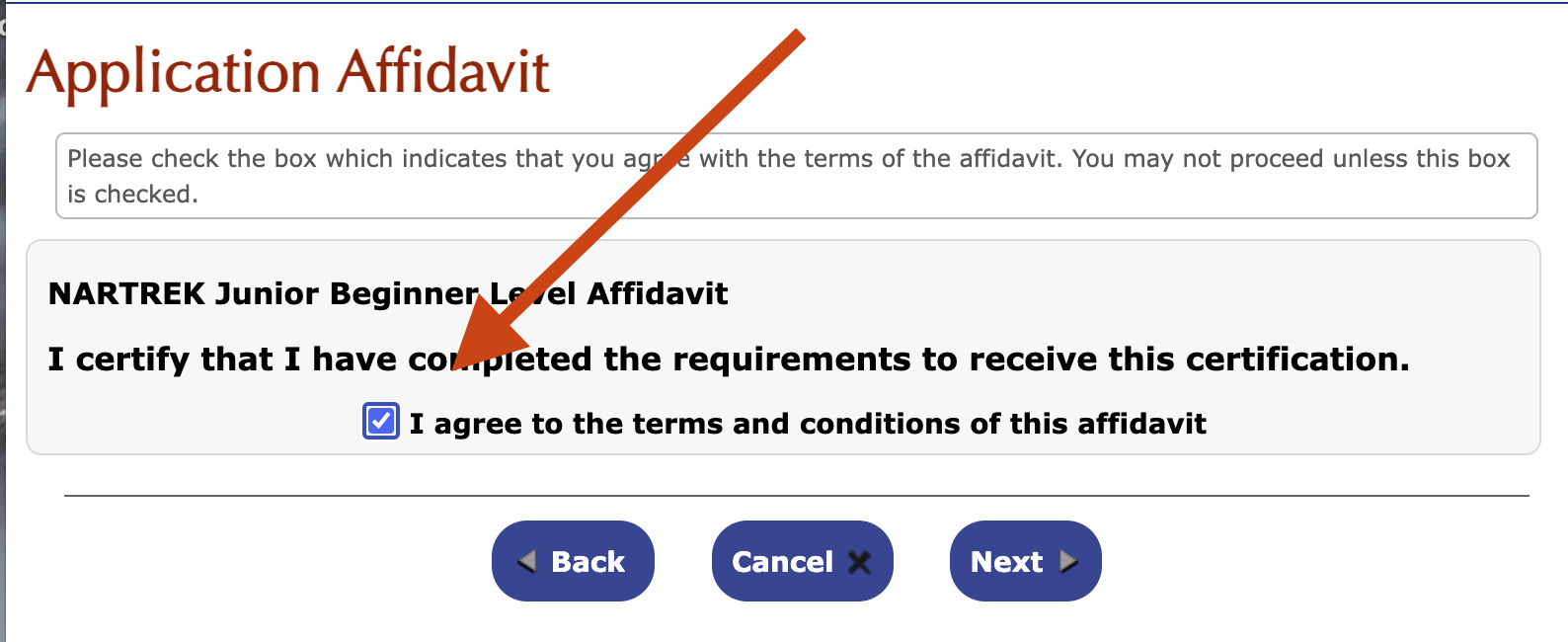
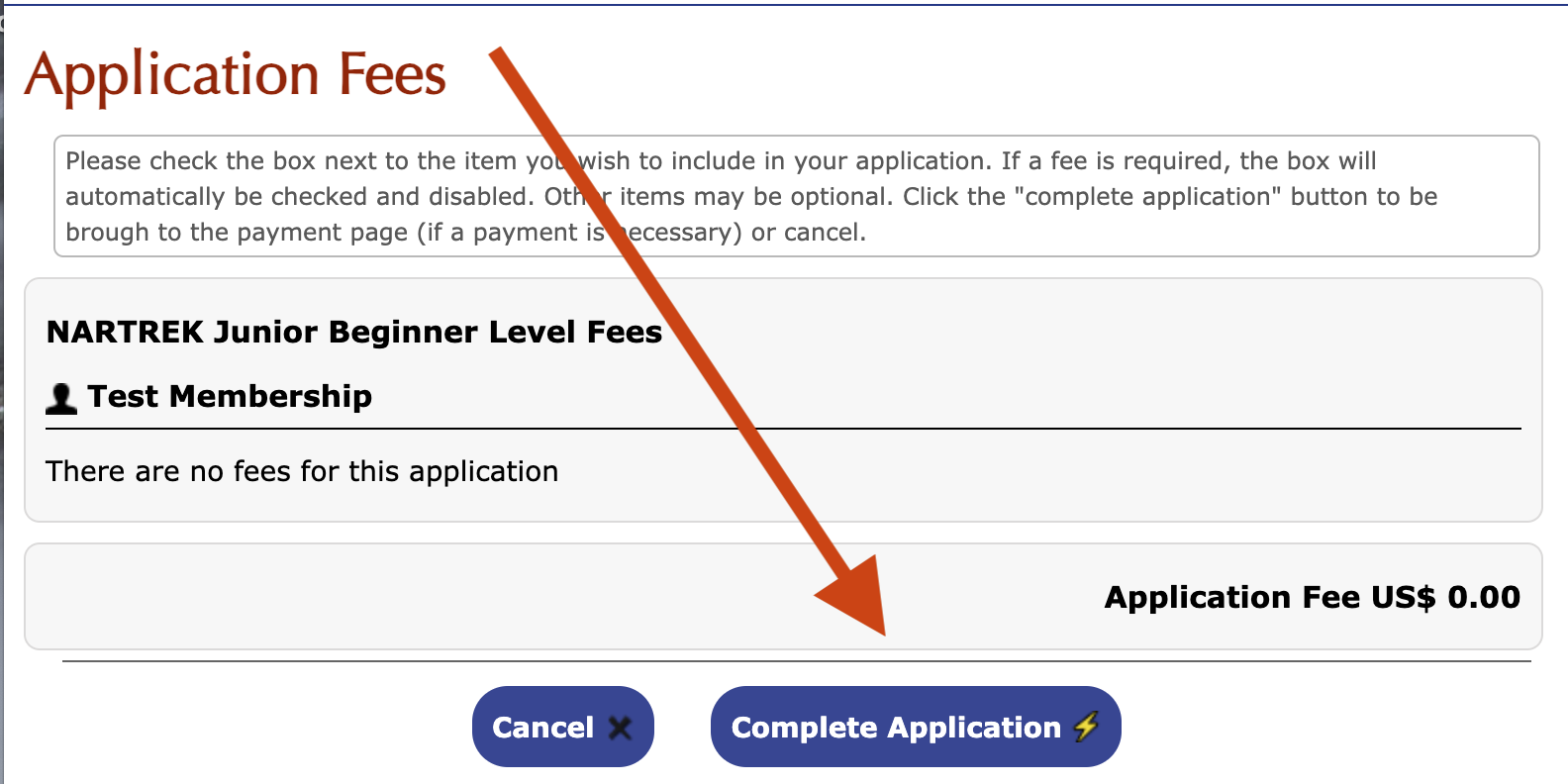
Click Complete Application.
Your completed application will be reviewed and approved by NARTREK.Up approval, your screen will change to the following. You will see that you have received the certificate and are able to view it on screen and download.